


INVEST SUSTAINABLY AT CAPTRADER
ESG-SCORES FOR RESPONSIBLE INVESTMENTS
For many investors, the days are over when performance was the only factor they looked at when evaluating an investment. Today, many also care about the extent to which their financial commitment can be reconciled with their ecological and ethical-moral demands.
Use CapTrader's ESG (Environment, Social, Governance) tools and create your sustainable portfolio by selecting your investments according to your principles.

Sustainable selection

Personal score
Individual criteria

Easy to use
Act according to your personal Principles
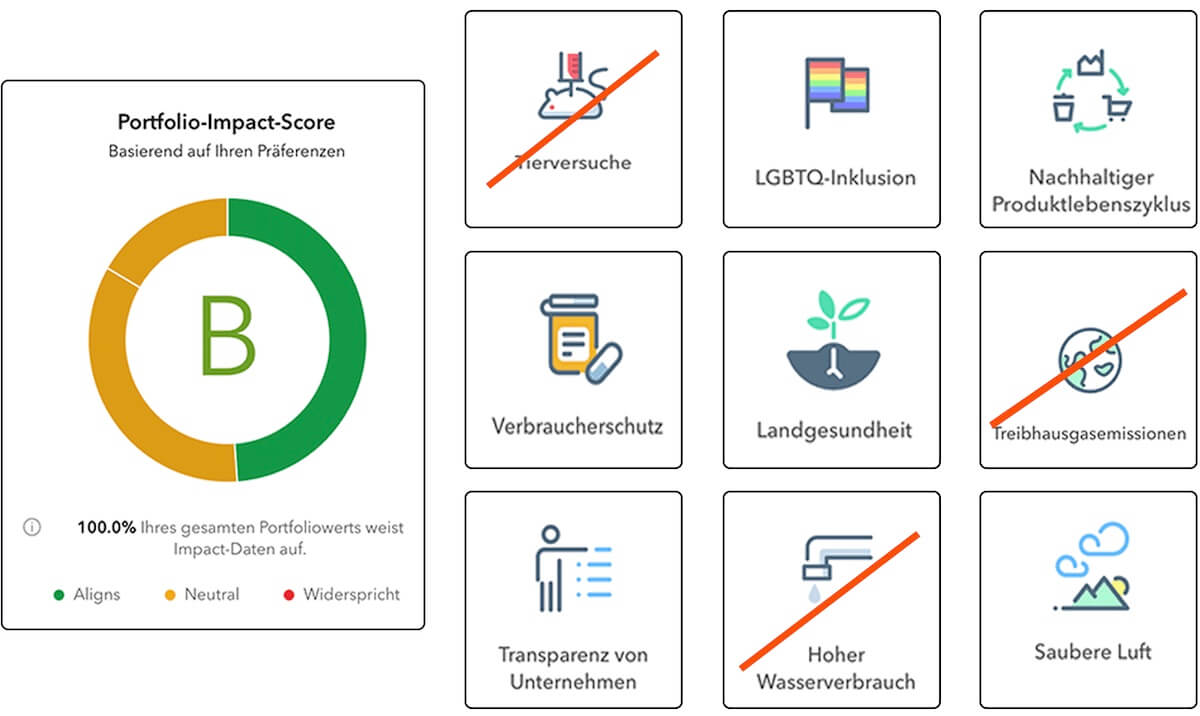
emissions, human rights, animal testing - you determine the values by which your portfolio should be guided.
Your portfolio's overall score shows you the extent to which your investments align with your preferences. This way you can be sure that your portfolio is in line with your principles and you can see which companies are helping or hurting your ESG score.
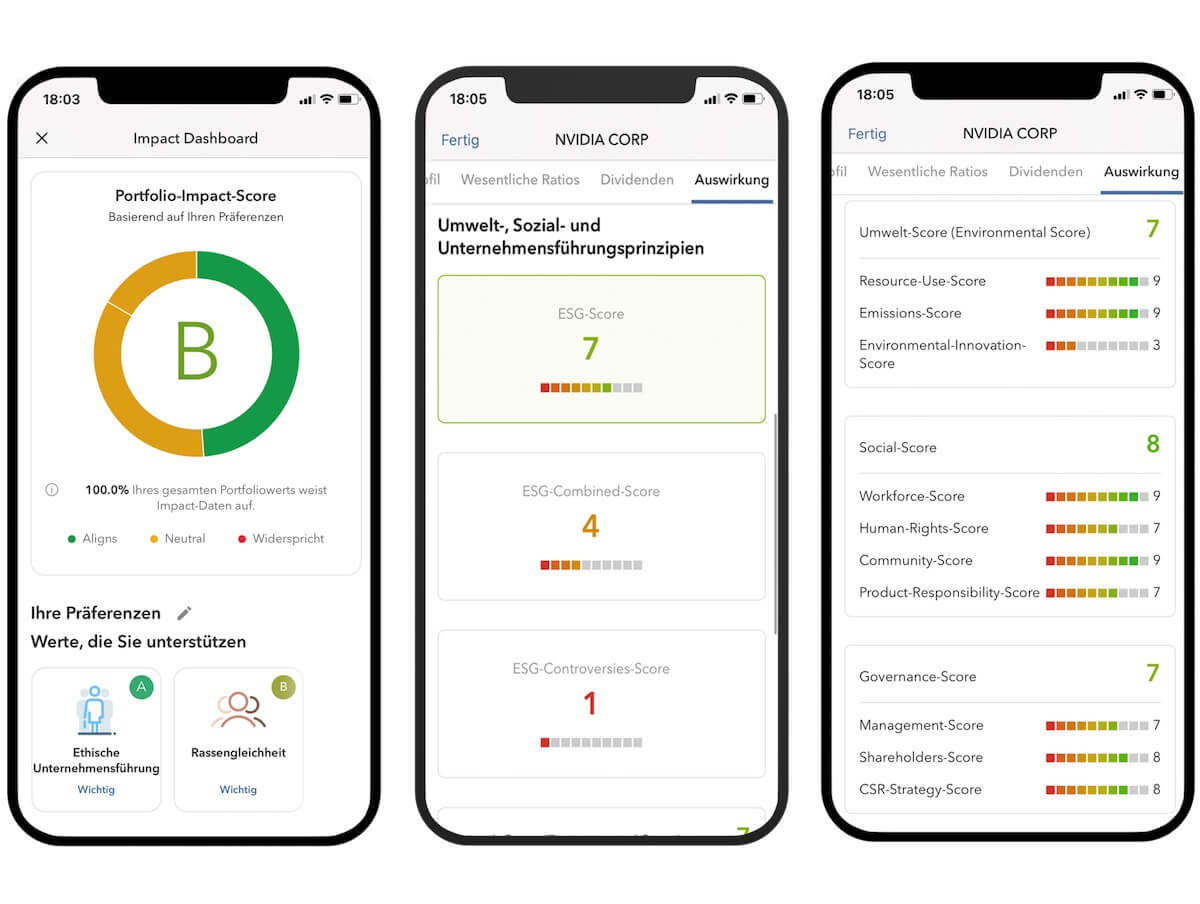
ESG score - the key figure for sustainable investments
CapTrader's ESG scores give you the opportunity to make investment decisions regarding environmental, social and corporate governance scores.
Company valuation based on ESG categories (e.g. emissions and human rights)
Insight into the performance of individual companies overall or in each category
Simple overviews and comparisons of companies
Search ESG data for companies with top scores
Choose from over E400 ESG criteria
To build your sustainable portfolio in the most diverse way possible, you can draw on over 400 ESG criteria in three categories, with measurements collected from company disclosures.
Environmental
Social
Governance

Open a securities account now and use sustainable invest
Use the ESG score in your portfolio to make investment decisions not only based on financial factors but also to invest in a better future with responsible investments.
Frequently asked questions about the Impact Dashboard
For more information, please see our Help Center
Where can I find the ESG ratings in the app?
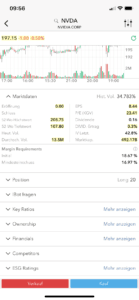 Click on your selected security in the app and then on at the bottom of the menu item: ESG Ratings on the link: View more. There you can then subsequently set the Impact Dashboard and also make changes to the selection you have made so far.
How are impact scores calculated?
Impact allows you to personalize your responsible investing experience by choosing the values you want companies to support and the practices you want companies to avoid. Once you've clarified what's important to you, you can see how your current positions align or conflict with your Impact values. Also, find companies that are using the practices you want to avoid. With this knowledge, you can now choose whether or not to adjust your holdings to improve your portfolio impact grade.
What is the Impact Dashboard?
The Impact Dashboard helps you evaluate your portfolio to make adjustments and invest in companies whose responsible worldview aligns with yours. Select the impact values and ESG principles - like racial equality and no animal testing - that are important to you. Then let the Impact Dashboard analyze and score your portfolio based on how your positions align with your principles.
Can I see how a company aligns with my values before I invest?
Once you've established your values and preferences using the Impact Dashboard, the Impact and ESG widgets in the Fundamentals Explorer and the Impact Effect column in your Watchlists show you how companies' values align with your own and whether investing in a company could help you optimize the overall portfolio score.
Use the Impact Dashboard to see how well your portfolio aligns with your values.
Can I change my impact settings?
You can change your values and principles in the Impact Dashboard at any time. Access the dashboard from your portfolio by clicking the Impact button. Once in the dashboard, click the pencil icon („Edit“) next to the „Your Settings“ heading. Click on any value to add, improve, or remove support. Clicking a value once marks it as important. Clicking it twice marks it as very important. Clicking it a third time removes it from selection. You can set ESG principles by clicking once. Please note that only Impact values are used to calculate the Portfolio Impact Score.
In TWS and the Customer Portal, you can also specify settings by clicking the pencil icon in the Impact Effect column. The pencil icon is displayed when no settings have been made.