


With the CapTrader Easy app, access to the international financial markets has never been easier. Specially developed for less experienced traders, the app makes trading shares, ETFs and options straightforward, transparent and efficient.
Thanks to the intuitive user interface and fast order execution, you can immerse yourself effortlessly in the world of the stock market and benefit from the opportunities offered by global markets. Whether long-term investing in shares or targeted trading with options and ETFs - CapTrader Easy offers you all the tools you need for a successful start.
The app combines the highest security standards with user-friendly handling and is the ideal complement to CapTrader's comprehensive trading offering. Download now and start investing!


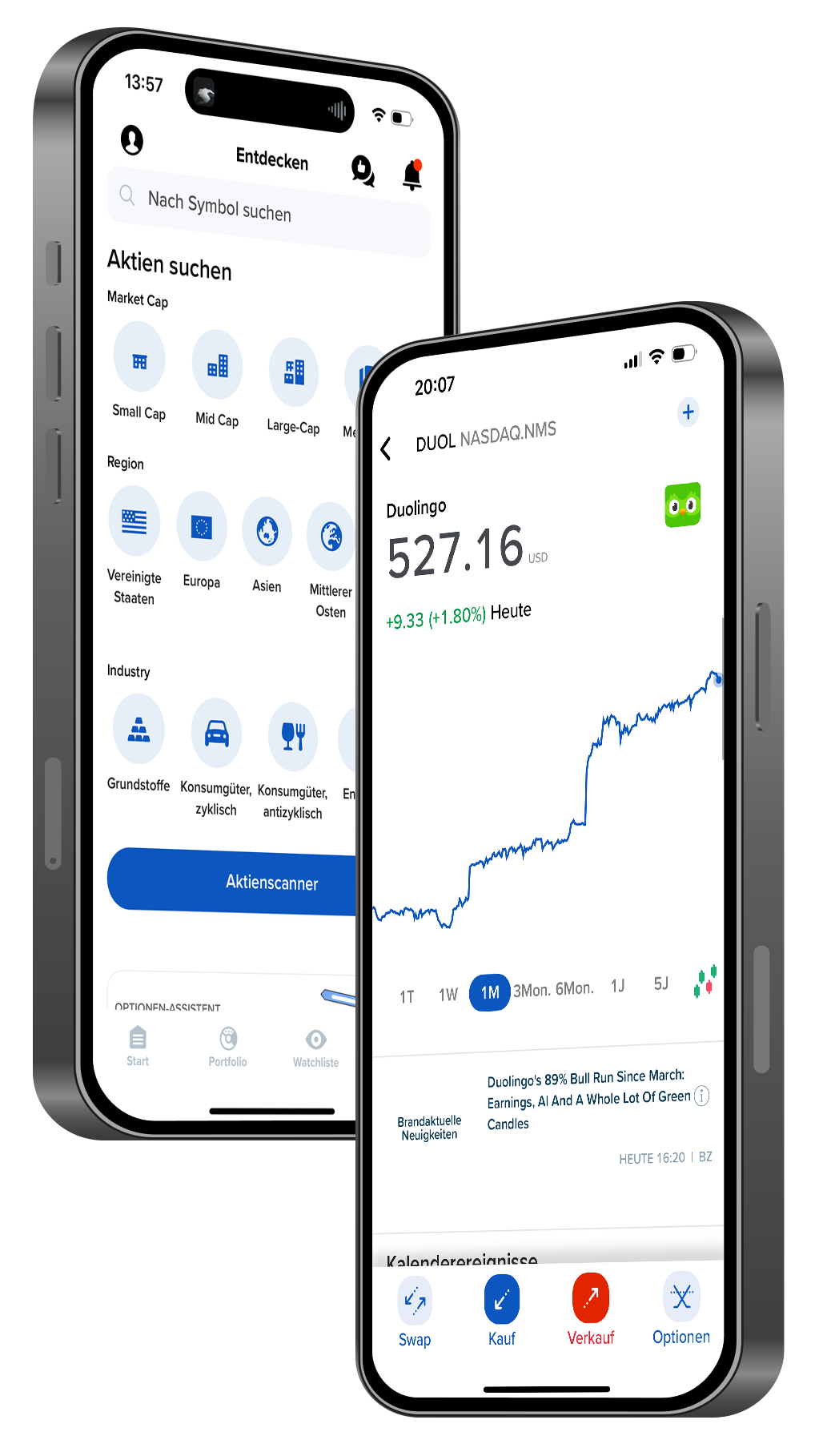
THE EASY-APP FOR IOS AND ANDROID


Video tutorials for Easy App
CapTrader Easy App | iOS - Buy a share
You are currently viewing placeholder content from Vimeo. To access the actual content, click the button below. Please note that doing so will share data with third-party providers.
More InformationCapTrader Easy App | iOS - Exchange Currencies
You are currently viewing placeholder content from Vimeo. To access the actual content, click the button below. Please note that doing so will share data with third-party providers.
More InformationCapTrader Easy App | iOS - Options trading
You are currently viewing placeholder content from Vimeo. To access the actual content, click the button below. Please note that doing so will share data with third-party providers.
More InformationCapTrader Easy App | iOS - Fractional share trading
You are currently viewing placeholder content from Vimeo. To access the actual content, click the button below. Please note that doing so will share data with third-party providers.
More InformationCapTrader Easy App | Android - Buy a share
You are currently viewing placeholder content from Vimeo. To access the actual content, click the button below. Please note that doing so will share data with third-party providers.
More InformationCapTrader Easy App | Android - Exchange currencies
You are currently viewing placeholder content from Vimeo. To access the actual content, click the button below. Please note that doing so will share data with third-party providers.
More InformationCapTrader Easy App | Android - Options trading
You are currently viewing placeholder content from Vimeo. To access the actual content, click the button below. Please note that doing so will share data with third-party providers.
More InformationCapTrader Easy App | Android - Fractional share trading
You are currently viewing placeholder content from Vimeo. To access the actual content, click the button below. Please note that doing so will share data with third-party providers.
More Information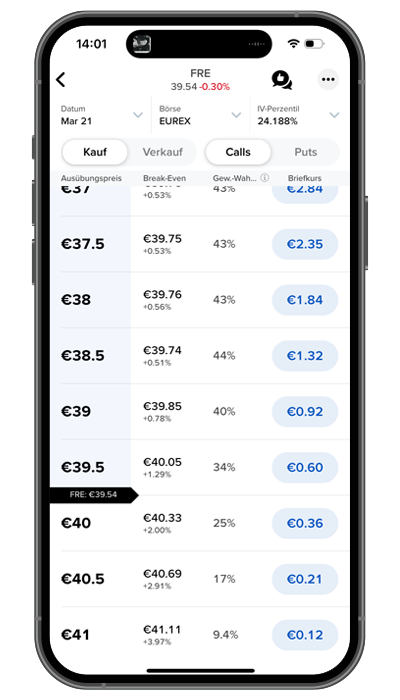
WORLDWIDE OPTIONS AND STRATEGIES ACT SIMPLY
Trade options on over 30 marketplaces with tools like the Options Chain, Options Exercise Tool and Options Wizard. Choose from four levels of options trading permissions to find options that better suit your options trading strategies.
Don't know where to start with the options?
Use the options wizard!
Answer a few questions about your expectations for future share price performance and the Options Wizard will show you some standard strategies that you can filter by probability of profit, maximum profit and more.
Create option strategies with one or more legs.
Use the option chain to quickly view and monitor option prices over time. Click on a single bid or ask price to load an option into the order entry field, or use the option chain window to add multiple single or multi-leg options to a watch list.
Exercise options with just a few taps
You can use the option exercise tool to Exercise options manually before their expiry dateif you want to pursue a complex multi-leg strategy, capture a dividend or carry out various corporate actions. You can also exercise options on the expiry date that would normally expire under the clearing house rules.
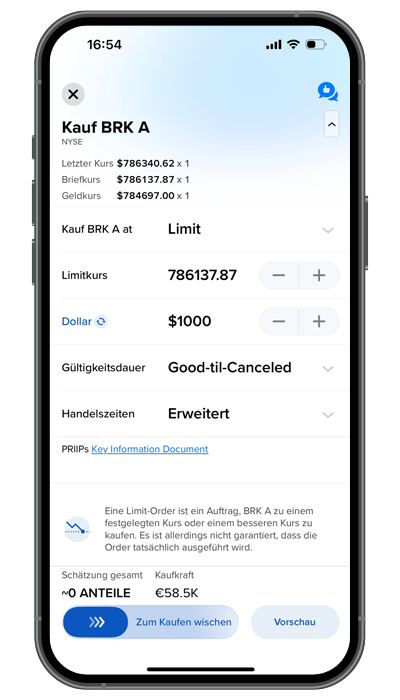
TRADE WITH FRACTIONAL SHARES
No trade is too small, and no share is too expensive. Invest with as little as 1 $, regardless of the price of a share. Use even small cash balances to maximize your return! Trading with the so-called Fractional Shares is already possible with more than 10,000 shares at CapTrader.
DOWNLOAD THE EASY APP


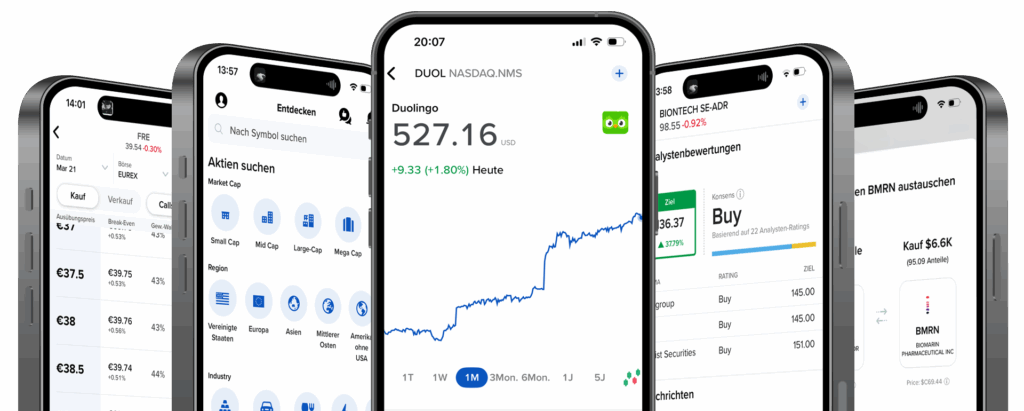
Overview of the trading platforms at CapTrader
Frequently asked questions and answers about the CapTrader Easy app
What is the CapTrader Easy app?
The Easy App is a mobile trading platform from CapTrader, specifically designed for less experienced traders and international investors. It offers a user-friendly interface for trading stocks, ETFs, options, and other securities on over 90 exchanges worldwide.
What advantages does the Easy App offer compared to the classic CapTrader trading app?
The Easy App is particularly optimized for mobile users and offers a more intuitive user interface. In contrast to the classic CapTrader Trading App It focuses on simpler and faster access to global markets, while the trading app offers more advanced features for professional traders.
What costs and fees are incurred when using the app?
CapTrader offers competitive Fee structures. Stock trading is already possible in many countries starting from 1 US cent per share (minimum 2 USD per order), depending on the chosen stock exchange. There are no custody fees or minimum deposits, but fees for currency conversions, market orders, and certain exchanges may apply.
Can I also use the Easy App to trade in Germany, the USA and Canada?
Yes, the app allows trading on over 90 stock exchanges worldwide, including in Germany, the USA, and Canada. Investors can invest in stocks, ETFs, options, and other financial products.
Is the Easy app safe?
Yes, the app uses state-of-the-art security measures, including two-factor authentication (2FA), encryption, and biometric login (Face ID, fingerprint). Additionally, CapTrader and Interactive Brokers are registered as regulated brokers with various financial regulatory authorities worldwide.
How does authentication work with two apps on one cell phone?
If you want to use both the CapTrader Trading App and the CapTrader Easy App on one device at CapTrader, one of the two apps must be configured as an authentication device. Usually, this is the Trading App. Use the following instructions for setup: https://www.captrader.com/authentifizierung-bei-zwei-apps/
Can I use the new Easy App alongside the CapTrader App?
Yes, you can use both apps on your smartphone. Please note, however, that only one of the two apps can be used as an authentication device. So, if you have previously used the CapTrader app as your authentication app, for example, you will need to copy the security code from the CapTrader app when logging into the Easy app and enter it as a verification option in the Easy app.
Can I use F accounts with the Easy app?
Unfortunately, the CapTrader Easy App does not support logins for F accounts or other multi-account structures.
To use an F-Account on mobile, please use the CapTrader Trading App or other platforms such as the Trader Workstation TWS.
GERMANY'S MULTIPLE AWARD-WINNING ONLINE BROKER

MORE THAN 1.2 MILLION VALUE PAPERS AT SENSATIONAL CONDITIONS

Stocks

Options

Futures

Forex

ETFs

Warrants

Bonds
