If you have opened several accounts with CapTrader in the same name or if you are a customer with an account in the United Kingdom (IBUK) and want to trade futures options, CFDs or precious metals with the F-sub-account there, you can open an Internal transfer of cash holdings between securities accounts.
How to create a Internal transfer of positions perform, you will learn here.
Dialing into the account management (Client Portal)
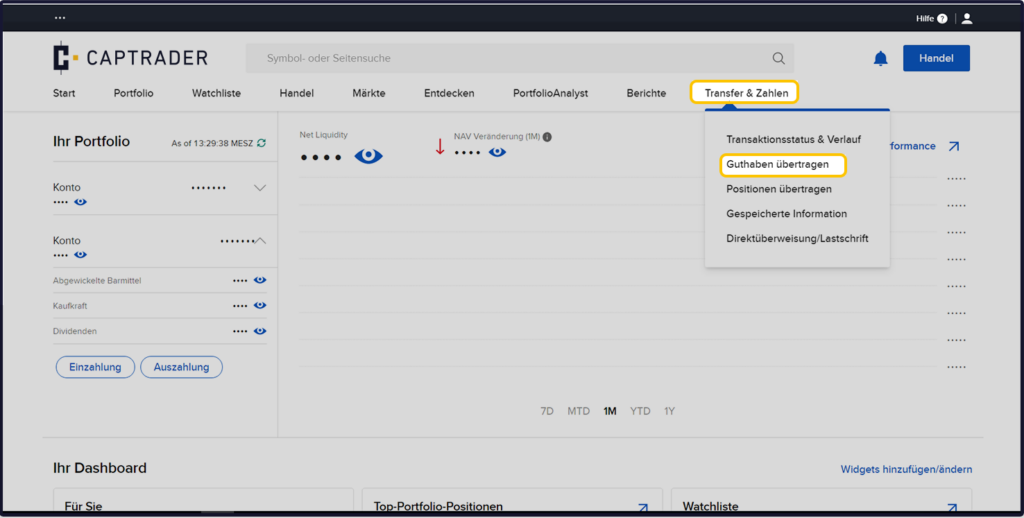
After dialing into the Account Management (Client Portal) the path > Transfer&Pay > Transfer balance.
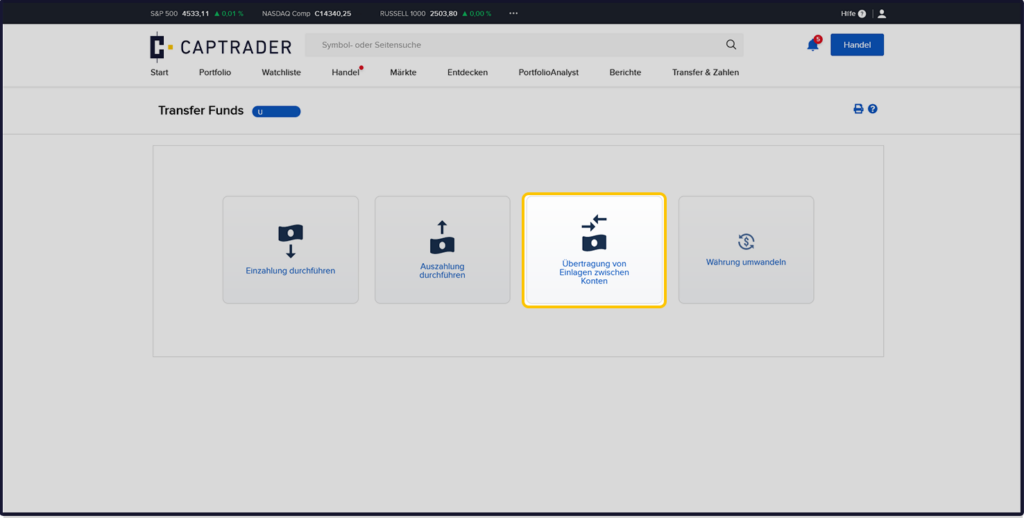
Now select the button > Transfer of deposits Between accounts off.
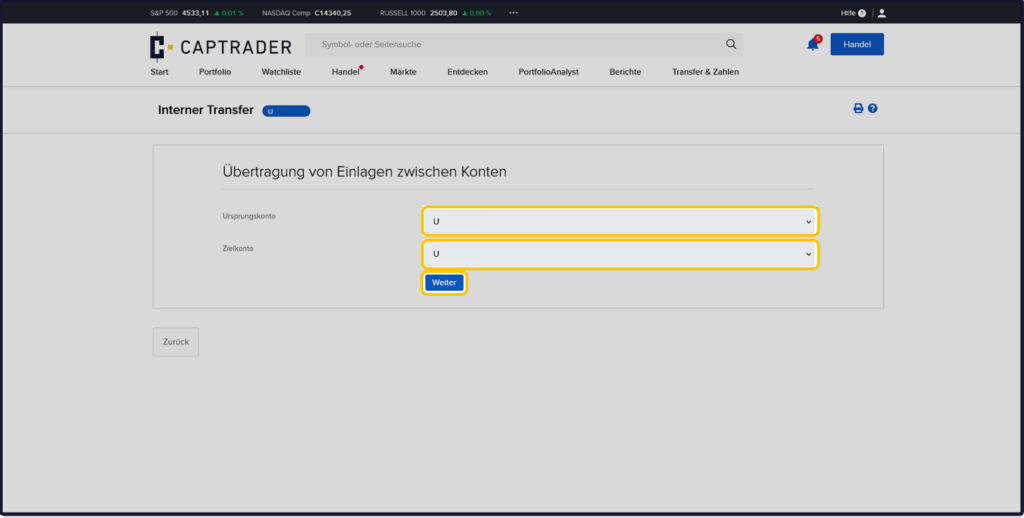
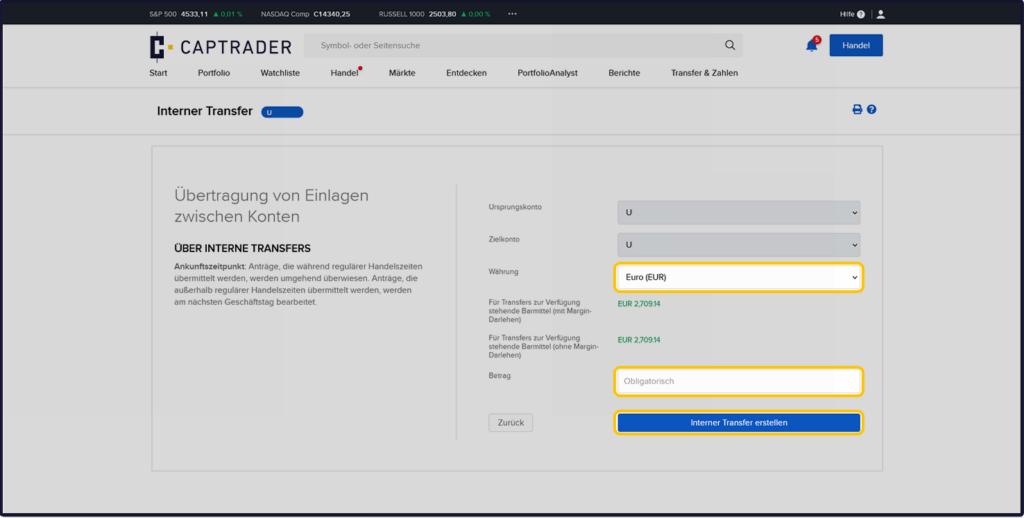
Now select the accounts you want to use for your internal transfer.
The > Source account is the account from which the amount is to be debited.
The > Target account is the account where the amount should then be received.
After that click the button > More.
Now select the > Currency as well as the > Amount to be transferred.
To finish click the button > Create internal transfer.
You will now receive a confirmation of the transaction at the end. The amount has already been moved between the accounts.
To finish click the button > Lock.

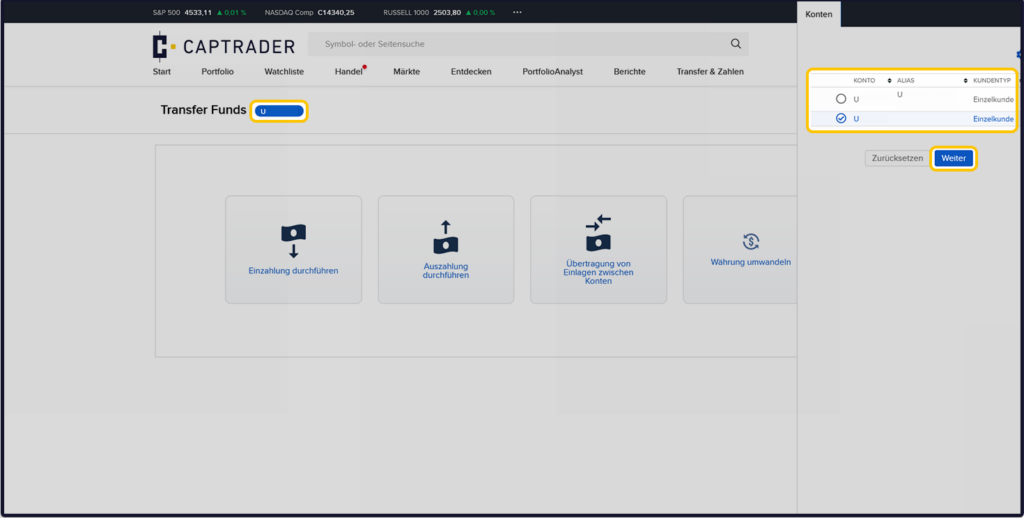
You want to transfer cash from a sub-account to the main account? Then it is necessary to change the account selection as follows.
Click in the upper left corner on the > Account number in the blue button and then, in the window that appears on the right, select the > Origin account for your transaction.