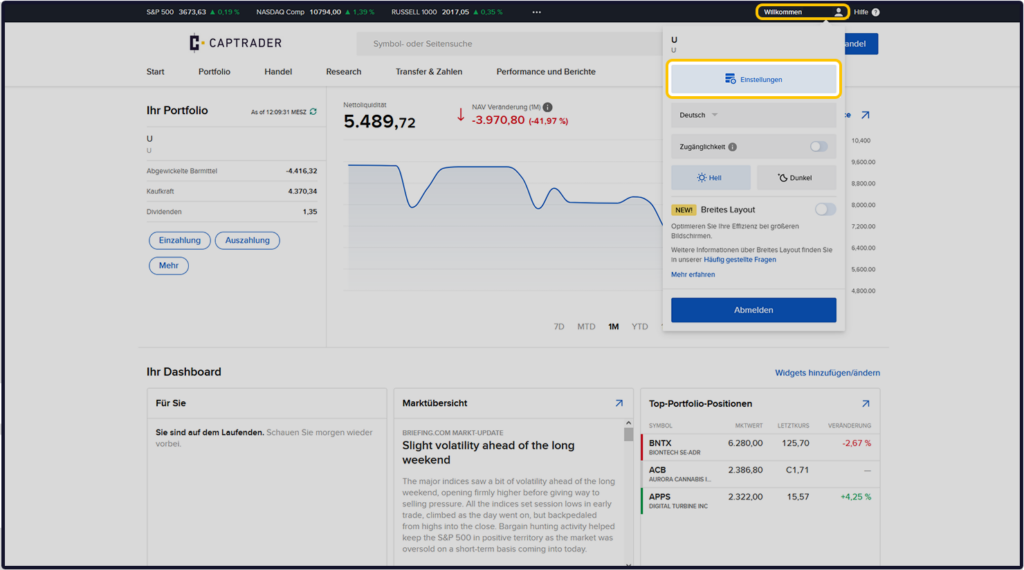
Sign up in the Account Management (Client Portal) and click in the upper right corner on the > User icon and then on > Settings.
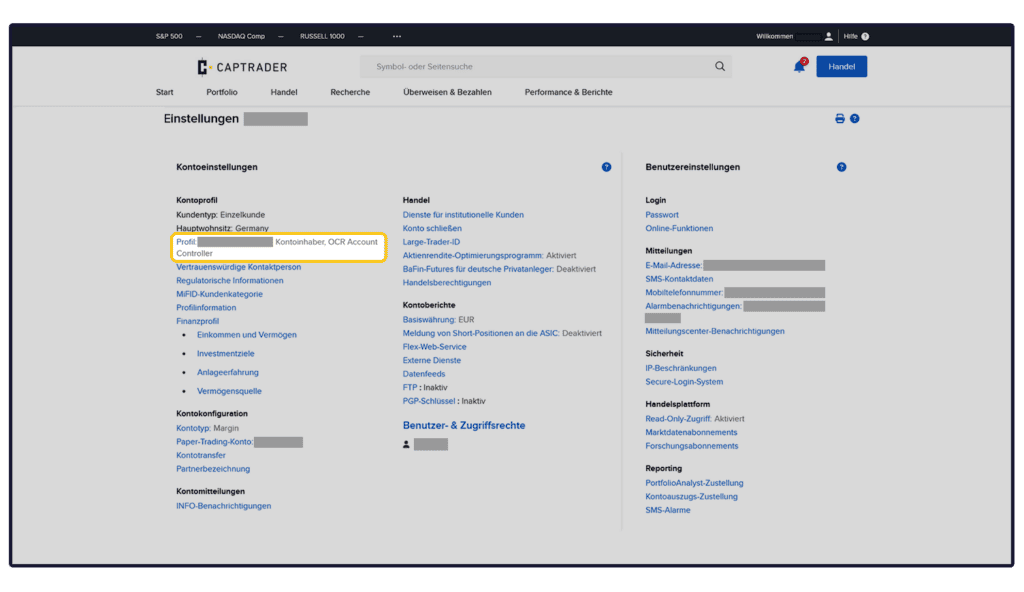
Now click on the left-hand side under the menu item > Account profile to > Profile or your name to check or adjust your stored information.
Then select the button > Update tax forms at the end of the form.
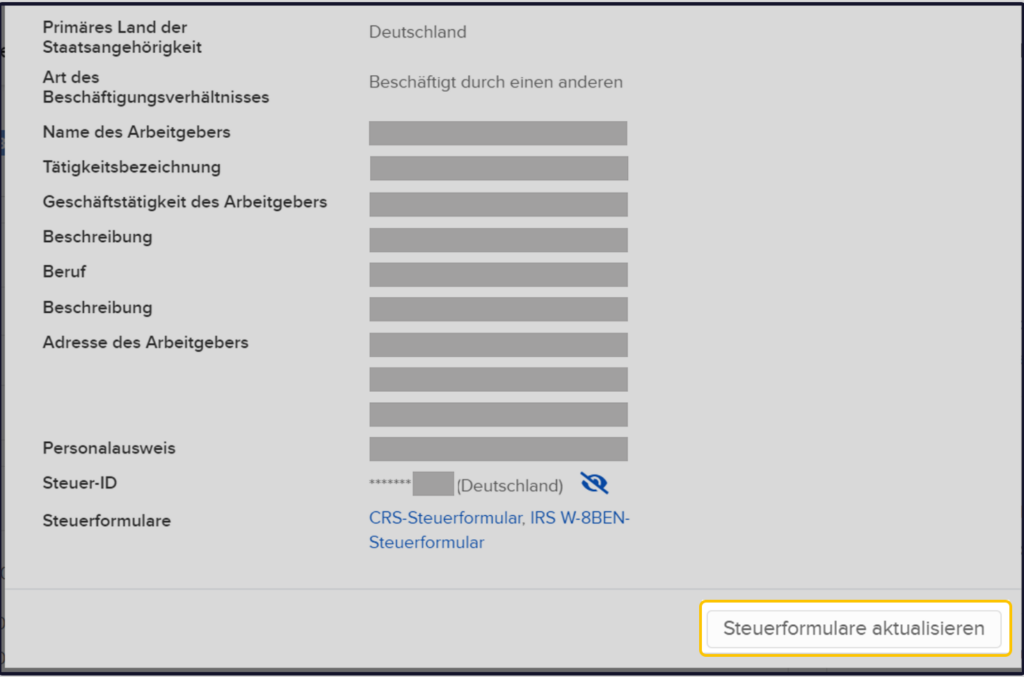
You will now see the information already stored at CapTrader. Please update them if there were any changes in your information. If nothing has changed, without changing the information, please click on the button > More.
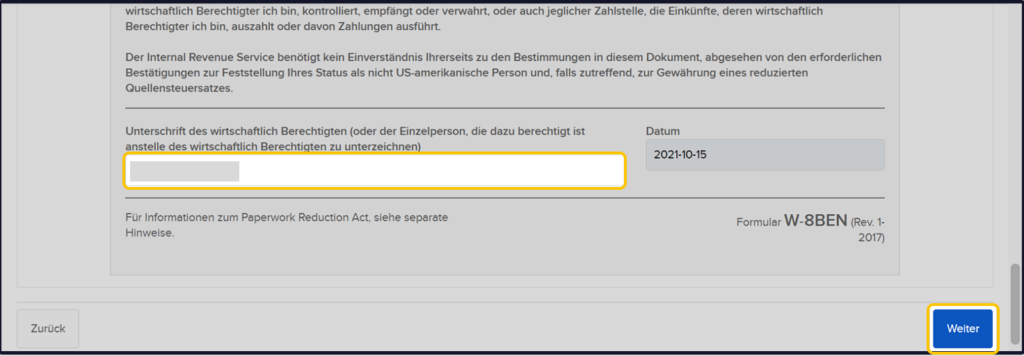
At the end of the form, confirm the information by entering your digital signature in the empty field. Then click on the button > More.
Note: Please note that your signature is case sensitive.
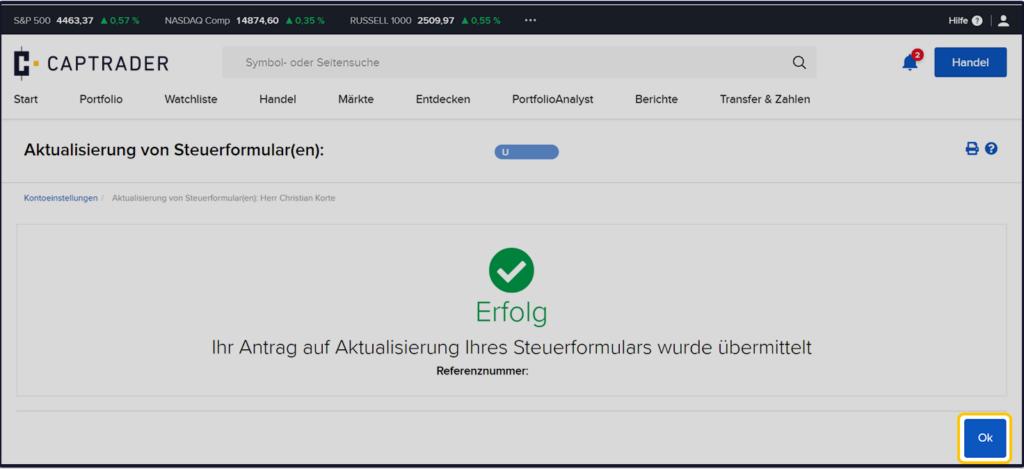
The process is now completed with the display of the SUCCESS page. Please click the button to exit > OK.