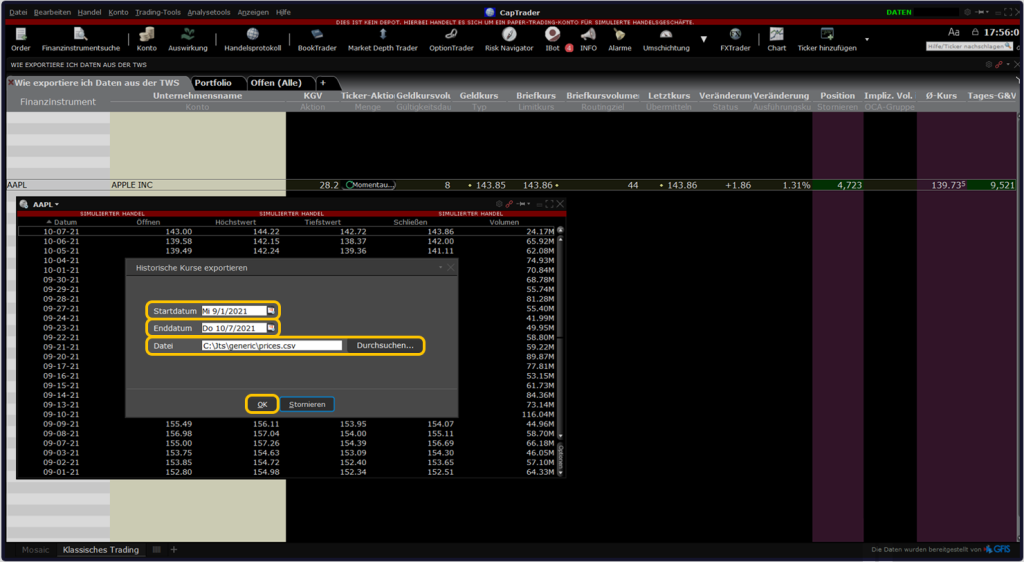
At CapTrader you have the possibility to export historical quotes directly from the trading platform Trader Workstation to an Excel spreadsheet.
Find on this page a short tutorial on how to export data from TWS to Excel.
Dialing into the Trader Workstation TWS
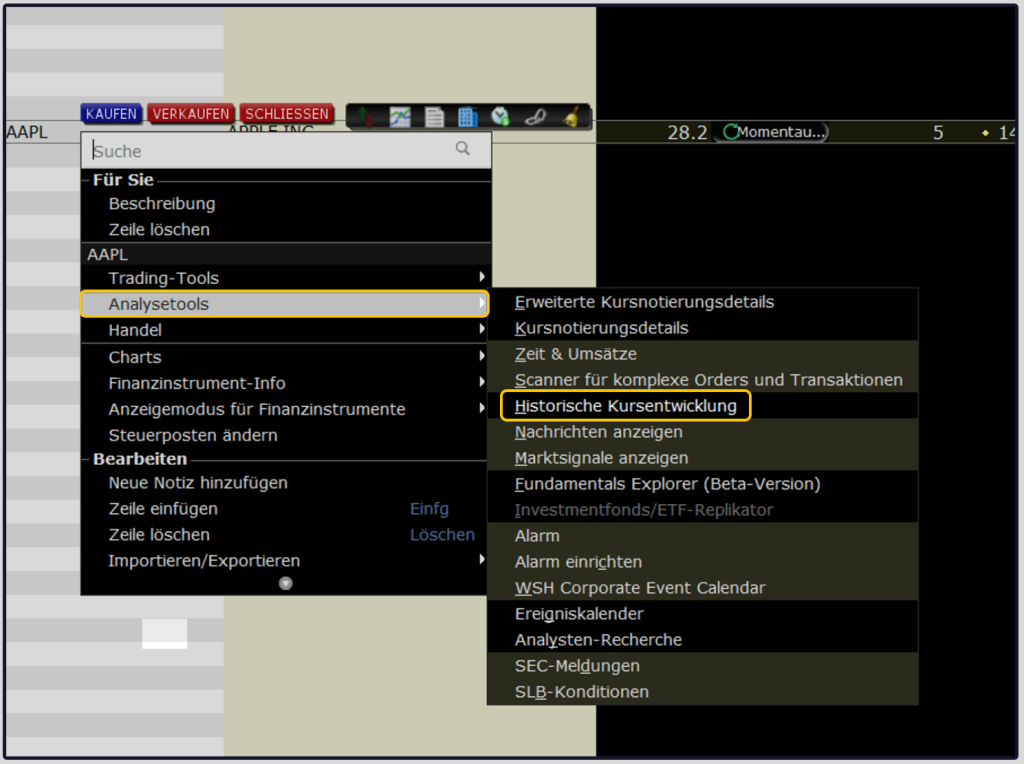
Log in to TWS and select your security (here in the example: Apple stock). Click on the financial instrument with the right mouse button. Via the item > Analysis tools you can use the > Historical price developments call. This opens a new window in the TWS.
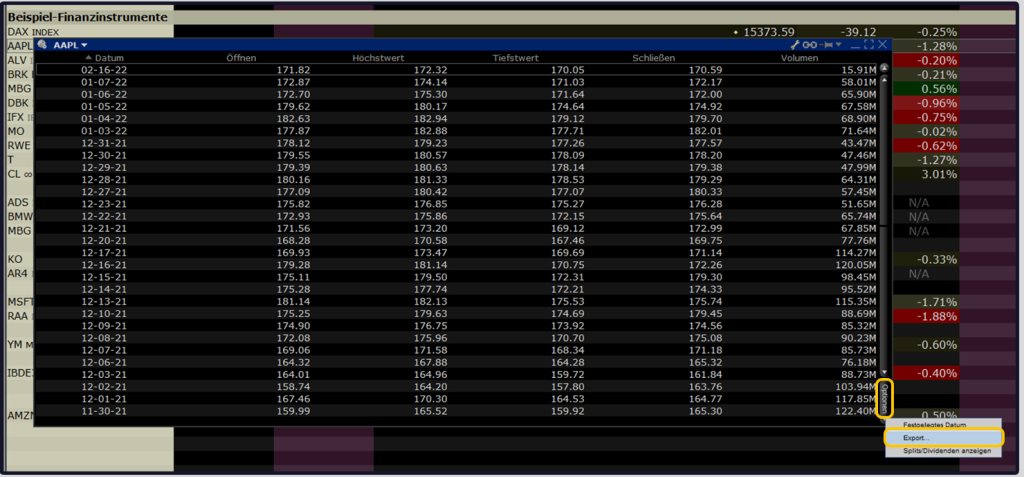
In the newly opened window, please click at the bottom right on > Options and subsequently on > Export.
Then select the > Start date as well as the > End date and save your data export to any location on your computer with any file name.