You have successfully created your Paper Trading account, already made your first trades and now you want to change or completely reset the starting amount on your Paper Trading account? Then please use our instructions on this page.
Dialing into the account management (Client Portal) of the Paper Trading account
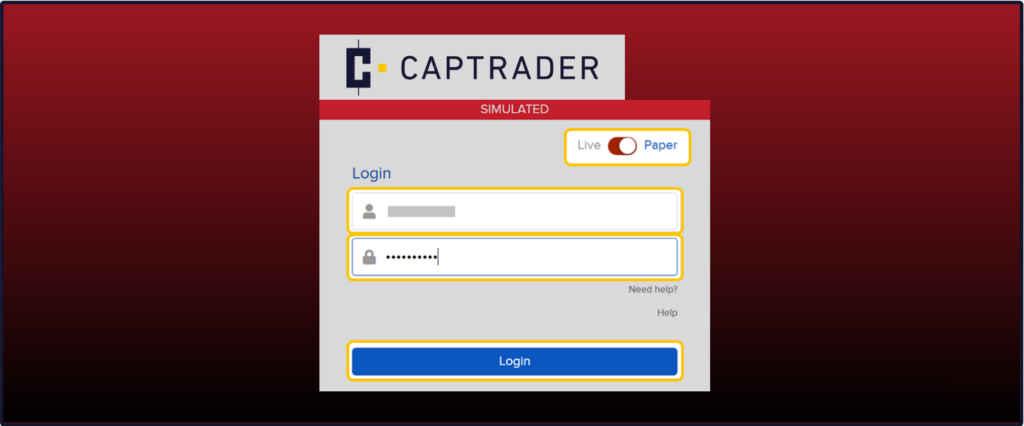
Dial into the Account Management (Client Portal) of the Paper Trading account by using the access data of the paper trading account or the access data of your real securities account at CapTrader. Move the slider here to > Paper.
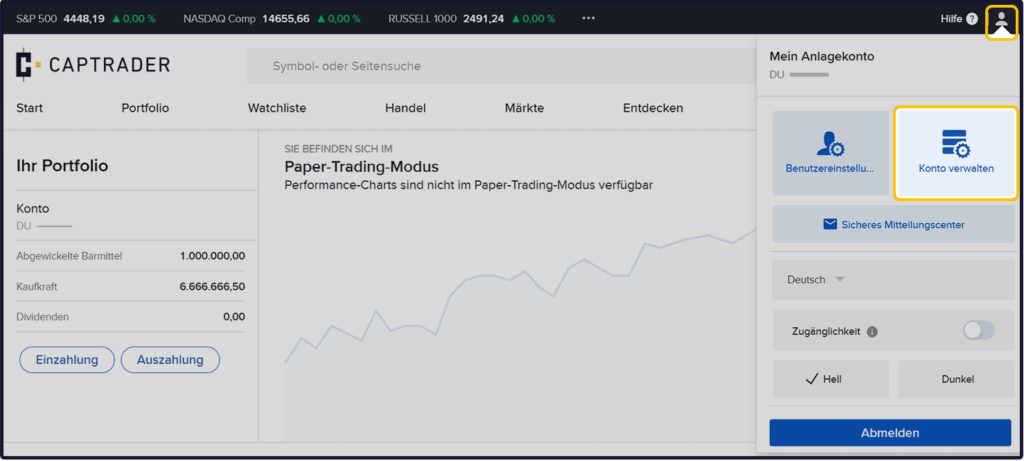
Now click in the upper right corner on the > User icon and then on > Manage account.
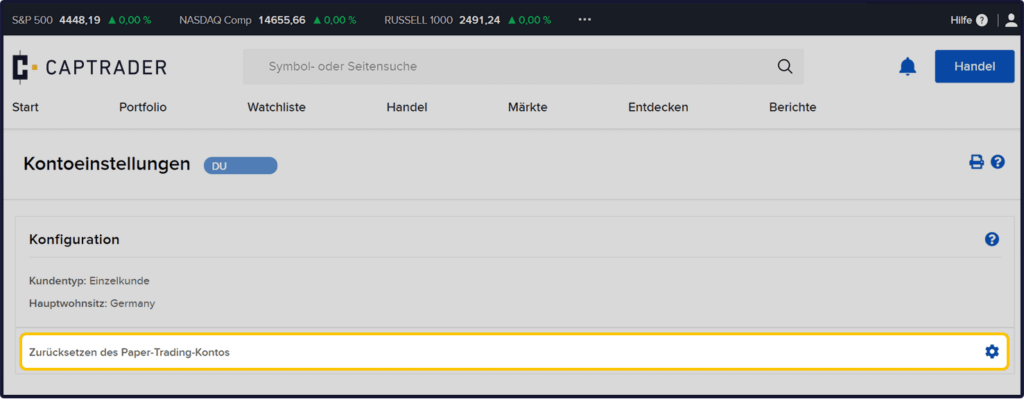
Now click at the item Resetting the paper trading account on the > Configure icon.
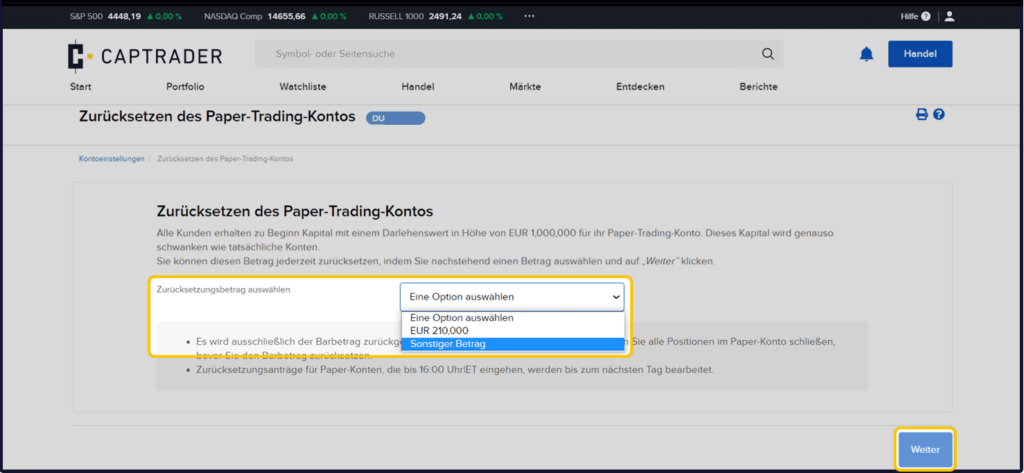
Now you have the choice between different amounts:
- Reset to the amount of 210.000 Euro
- or define a any amount at > Other amount
Afterwards please click on the button > More.
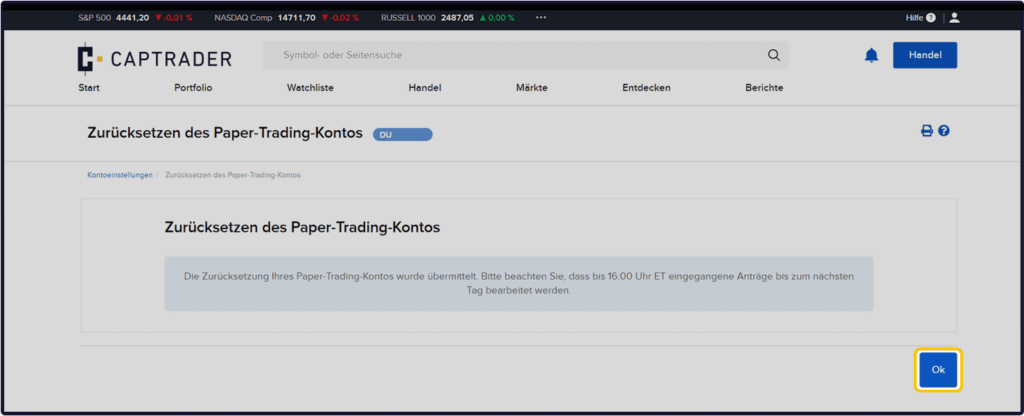
Subsequently, you will receive a confirmation that your change order has arrived. All orders received by 22:00 CET will be executed on the following day (exchange day).
To close please click on the button > Ok to complete this process.