When you opened your securities account, you chose one account type: the cash account or the Margin account. Have your requirements changed after your first active trade and do you want to trade new types of securities that require a different account type?
Then change your account type by yourself with the help of the following instructions.
In our example, we would like to upgrade a cash account (cash) to a margin account. The way of downgrading a margin account to a cash account (cash) works the same way. However, when downgrading, please note that the following possible violations may occur after the downgrade:
- Negative liquidity surplus: Liquidate positions or deposit additional cash.
- Position Violations: Close positions that are not allowed in a cash account (typically: short stocks).
- Negative currency violations: Buy the currency in the Forex markets or liquidate positions in that currency.
Please note that the different account types have different Requirements and possibilities have. These are listed in the table on the "What are the differences between cash and margin accounts" listed.
Dialing into the account management (Client Portal)
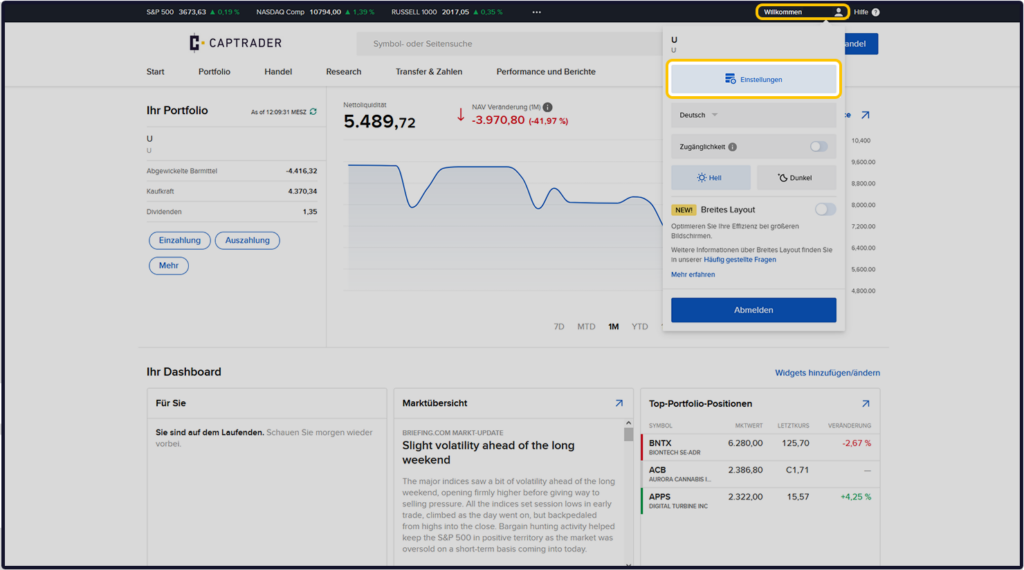
Sign up in the Account Management (Client Portal) and click in the upper right corner on the > User icon and then on > Settings.
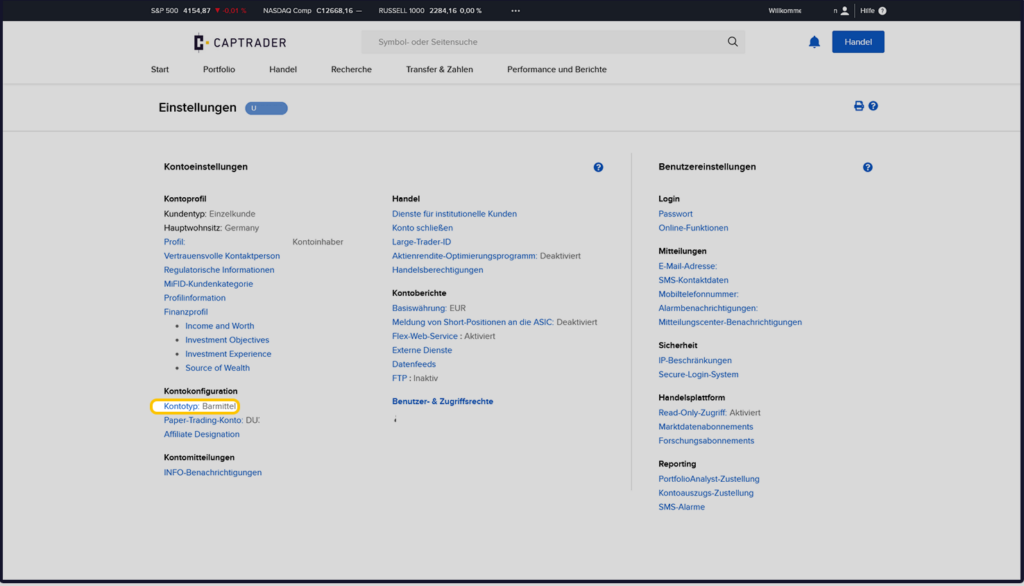
Under the Account Configuration menu item, select >. Account type: Cash.
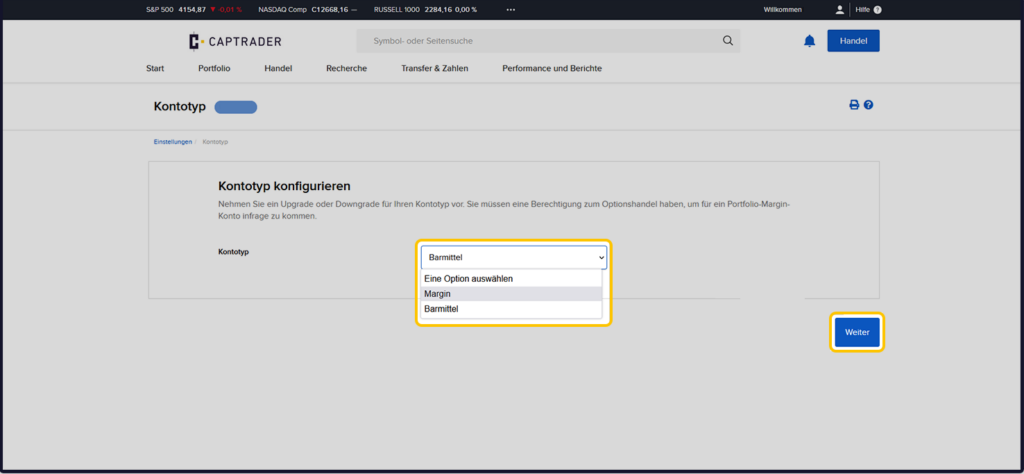
Now select the new account type of your securities account on the following page. In our example we choose > Margin and click on the button > Next.
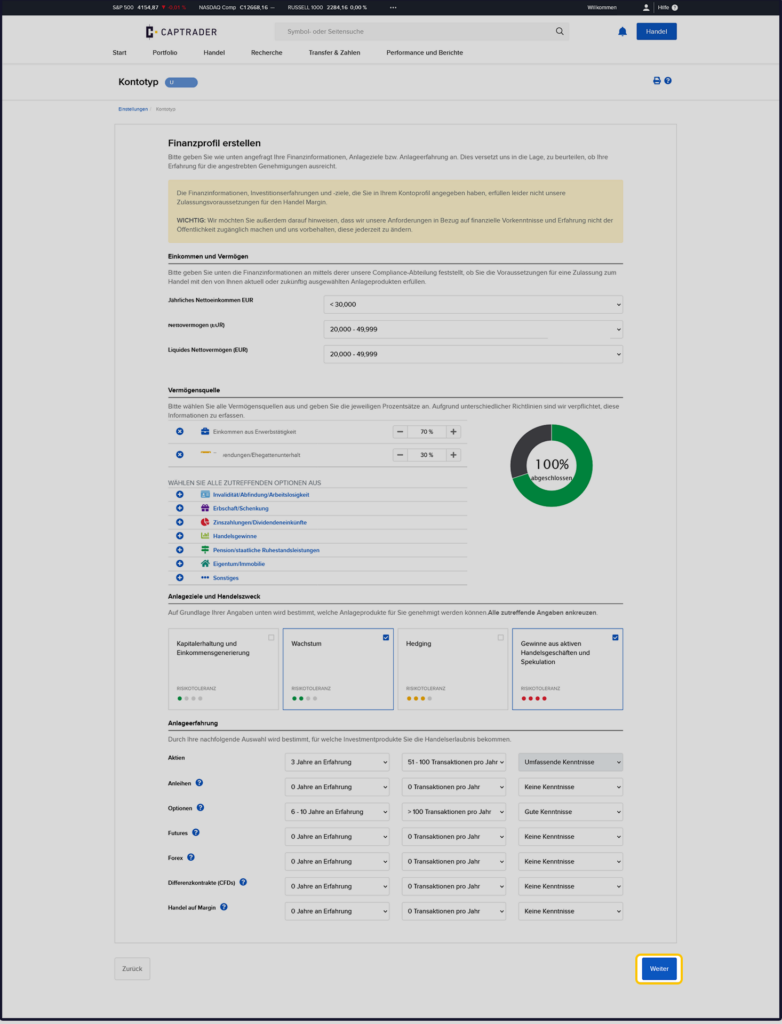
Create financial profile
Since in the example we want to upgrade from the cash account to a margin account, and then subsequently, for example Options, Futures or Short selling of shares The following section describes the financial circumstances as well as the Investment experience to date asked again for individual types of securities as in the securities account application itself.
Please fill in the individual categories according to your personal experience and circumstances and then click on the > button.Next.
Now you will see a summary of your previously made entries. Please check this summary and confirm it if it is correct by clicking in the > Signature field Type in your first and last name. Then click on the button > Next.
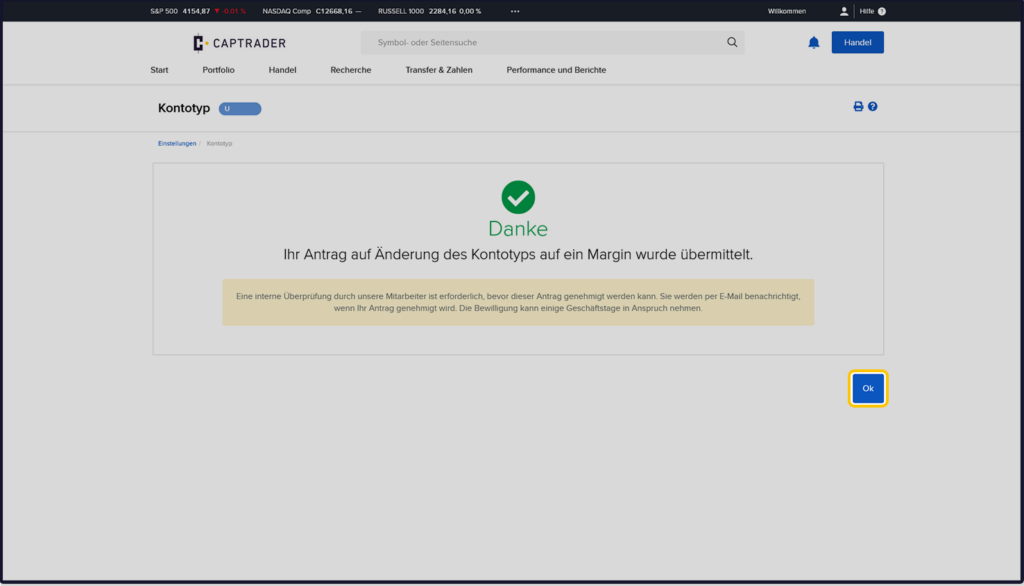
You will now see the confirmation of your change request on the thank you page. The confirmation takes a maximum of 24 hours on exchange days. Please note the Minimum requirements for margin accounts.
IMPORTANT: You can only change the account type once every 30 days. You can find more information about the margin account here.